
Create the right agreement for every engagement
Quill supports proposals, statements of work, contracts, NDAs, and custom document types in one reusable library.
Give every client a clear, professional agreement experience.
Move from client agreement to delivery with a trusted, polished handoff.
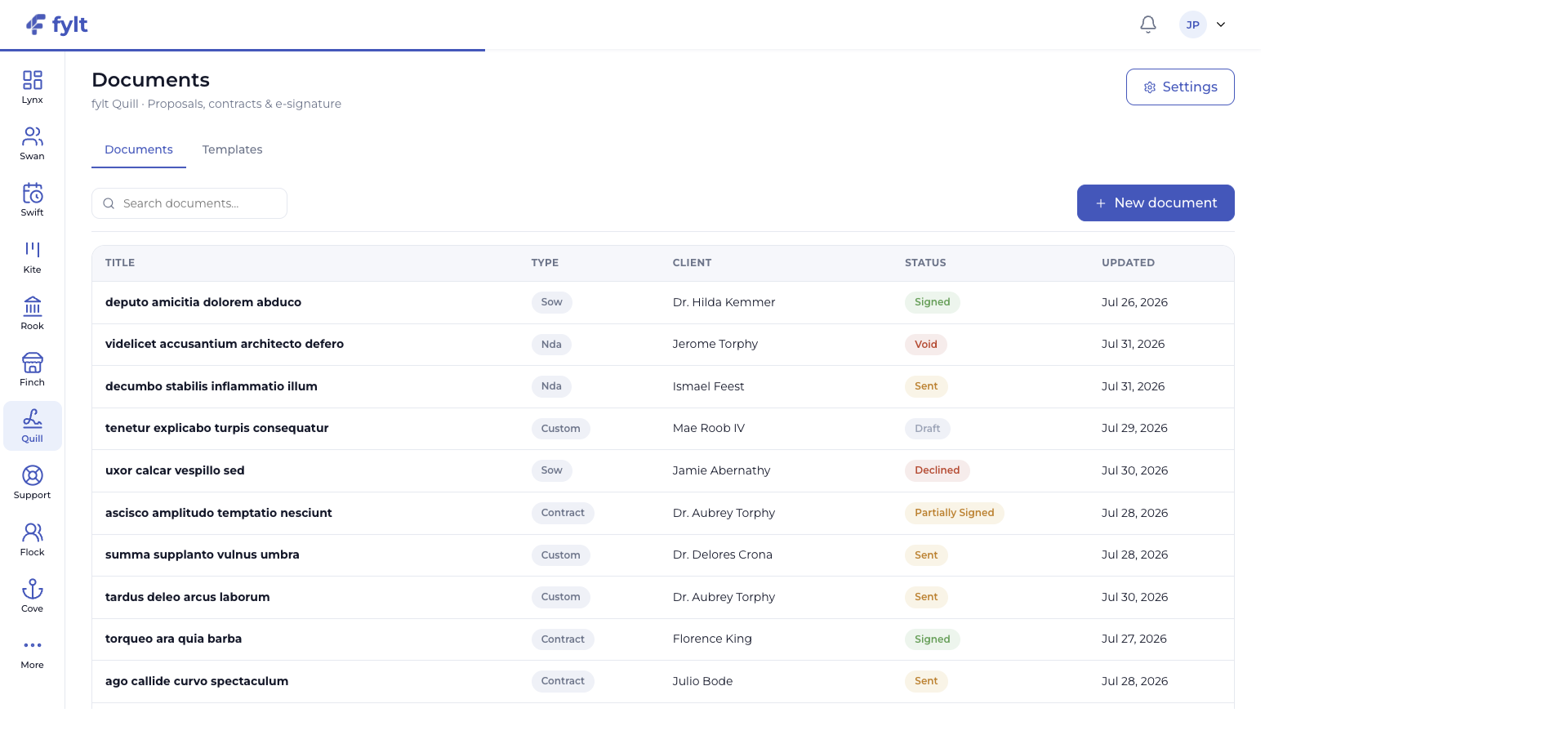
fylt Quill turns proposals, scopes of work, contracts, and NDAs into polished signable documents with a clear audit trail. It helps your business move from agreement to delivery with a professional, traceable handoff.
Explore the parts of fylt Quill that support a connected client workflow from the first action to the next useful handoff.
Quill supports proposals, statements of work, contracts, NDAs, and custom document types in one reusable library.
Give every client a clear, professional agreement experience.
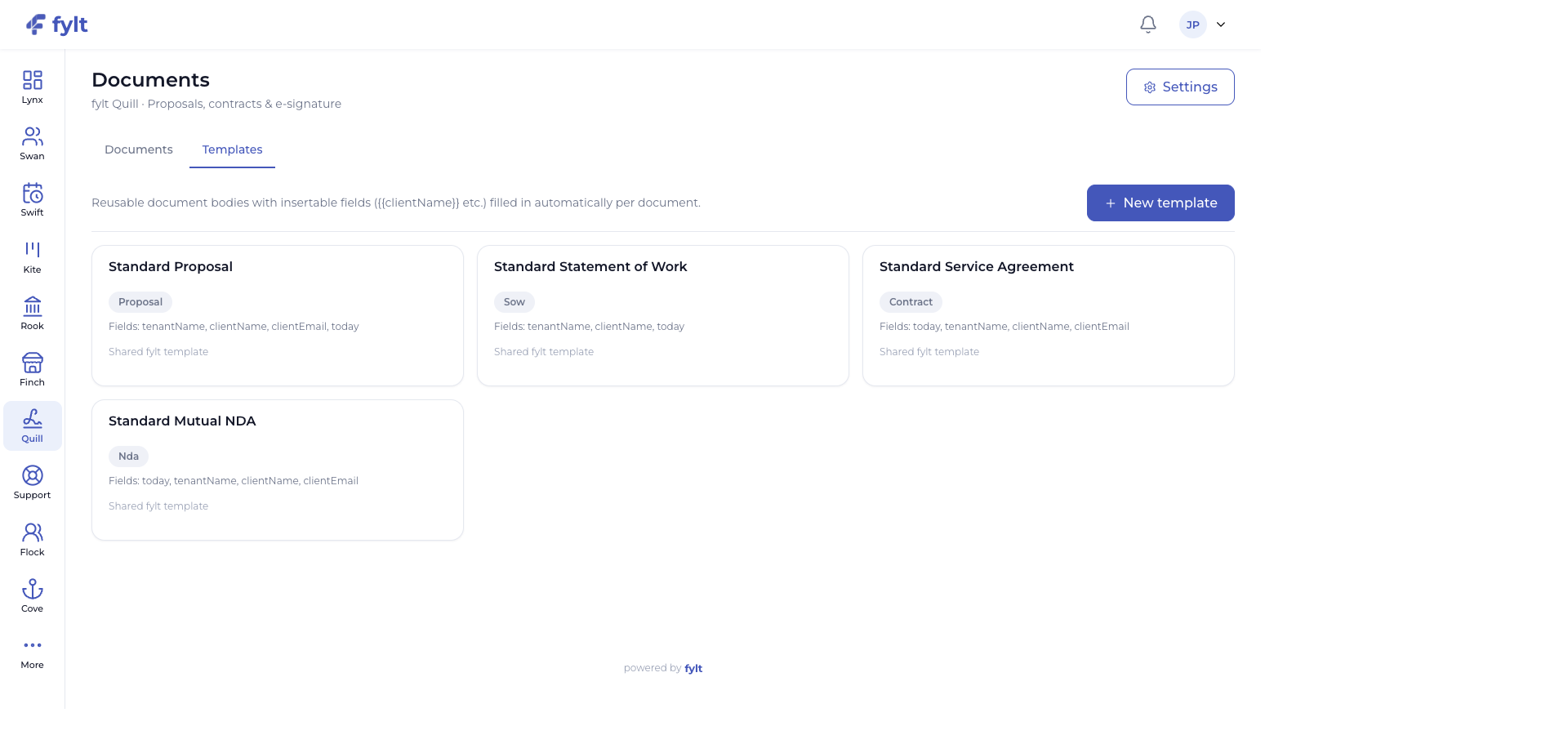
Templates support insertable business, client, and date fields so common agreements begin with the right details in place.
Create consistent documents while keeping each engagement personal.
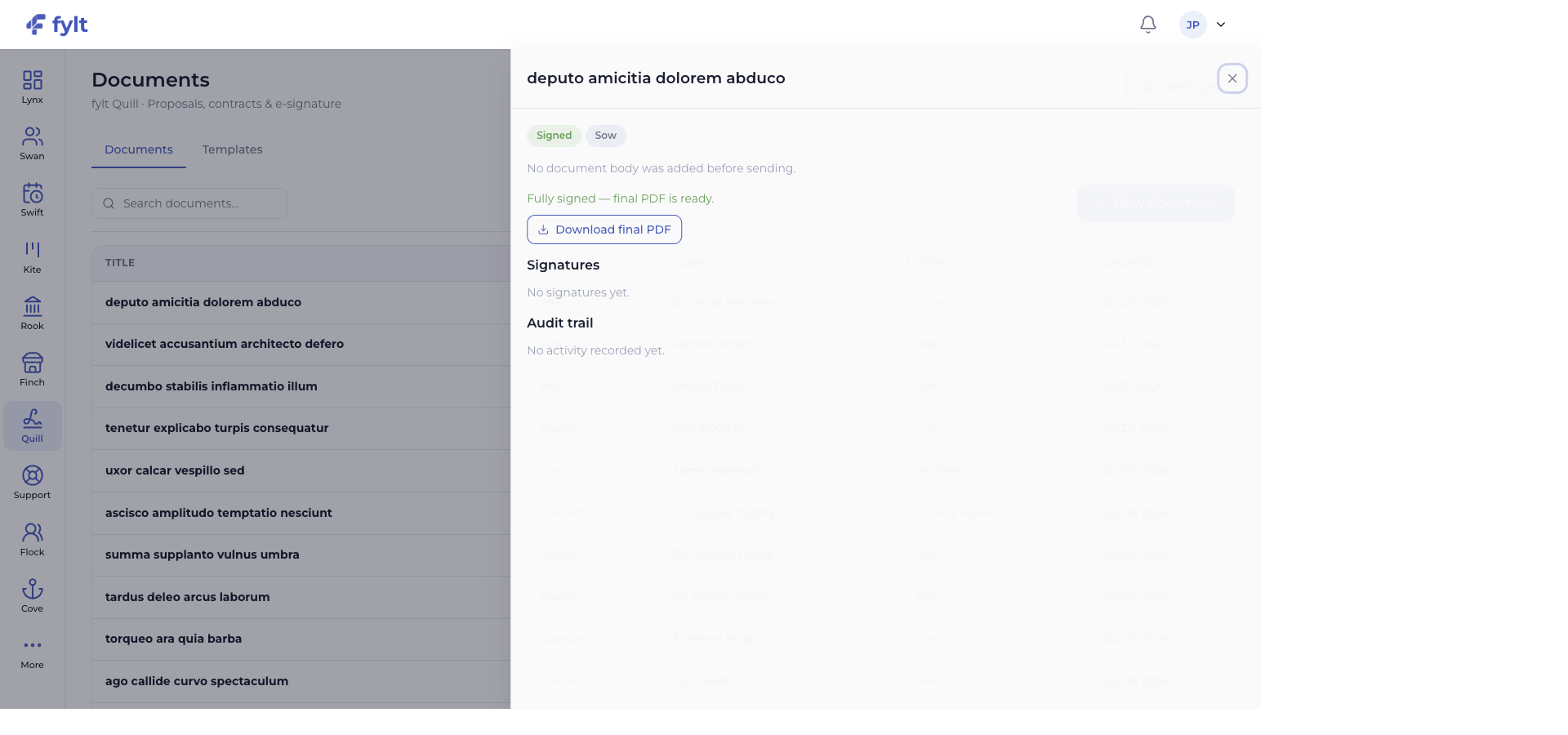
Quill records status, signatures, audit activity, and final-PDF availability as the agreement progresses.
Maintain a clear, traceable record of every client agreement.
Completed document workflows can create the related Kite project, Rook invoice, or both when those actions support the engagement.
Turn agreement into action with a more connected handoff.
AI-assisted template drafting and value suggestions help create a refined starting point before your business and legal review.
Build polished document workflows with greater momentum.
Each screen below is a full-width product capture of a distinct capability, setting, or client-facing outcome.
Studio > Documents > Settings
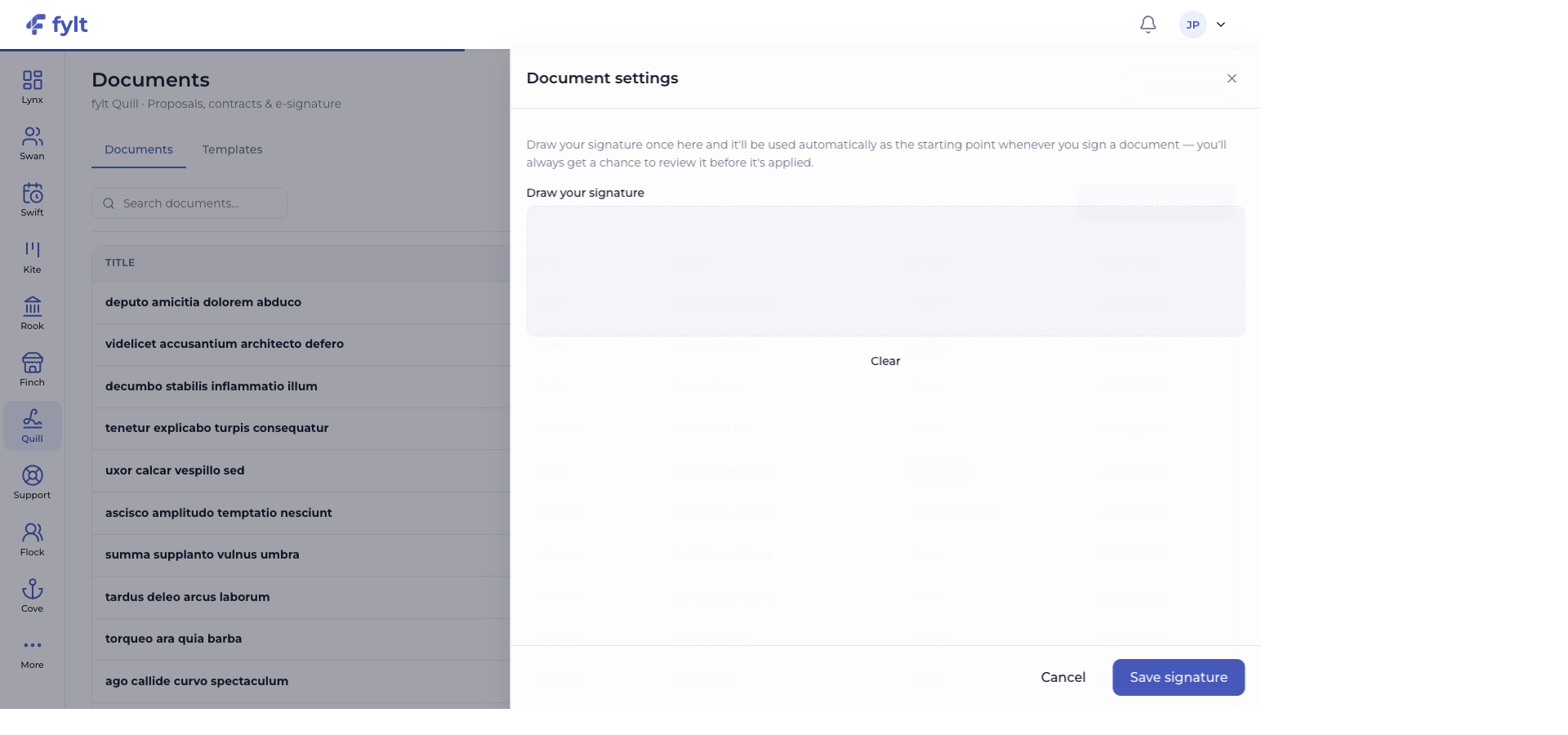
Quill settings establish the signature experience and the reusable document foundations your team applies across client work.
Draw and save the signature you want available as the starting point for eligible signing workflows.
Speeds up repeat signing while preserving a review step before application.
Open the Templates tab to create, edit, and organize the reusable document bodies your business uses.
Creates a consistent standard for proposals, scopes, agreements, and NDAs.
Use the available client and business fields when building a template body.
Keeps repeatable documents accurate while preserving client-specific context.
Choose the document workflow that matches the agreement and review the connected delivery actions for the engagement.
Creates a clear path from signature to the work that follows.
When a document completes its signing workflow, Quill can create the corresponding Kite project, Rook invoice, or both. The related client record and Workspace experience stay aligned with the agreement.
Use fylt AI to draft and refine reusable document-template content, then apply your own commercial, legal, and client-specific review before sending.
fylt Quill is wired to: